
Where leads slip away
Where auto repair lose customers
Calls during a busy bay
When every lift is full, the phone rings out. A driver with a warning light will call the next shop.
Customers chasing updates
Calls asking “is it ready yet?” eat the front desk’s day. A text when it’s diagnosed and when it’s ready ends most of them.
No reason to come back
Oil changes, tire swaps and inspections come due on a schedule, but the reminder never goes out.
Before they call
What drivers check before choosing you
Your website and Google profile should answer these before anyone has to call:
- Whether you work on their make, and do the job they need.
- Reviews that mention honest estimates and no surprises.
- Your hours, and whether they can drop the car off early or after hours.
- A rough idea of price and how long the car will be in the shop.
- Your warranty on parts and labor, if you offer one.
How it works for auto repair
One system, from the first search to the next visit
Follow one customer through it. Each step below has a live example you can try; tap play on any of them.
Step 1 of 8 · Get found
Show up when a warning light comes on
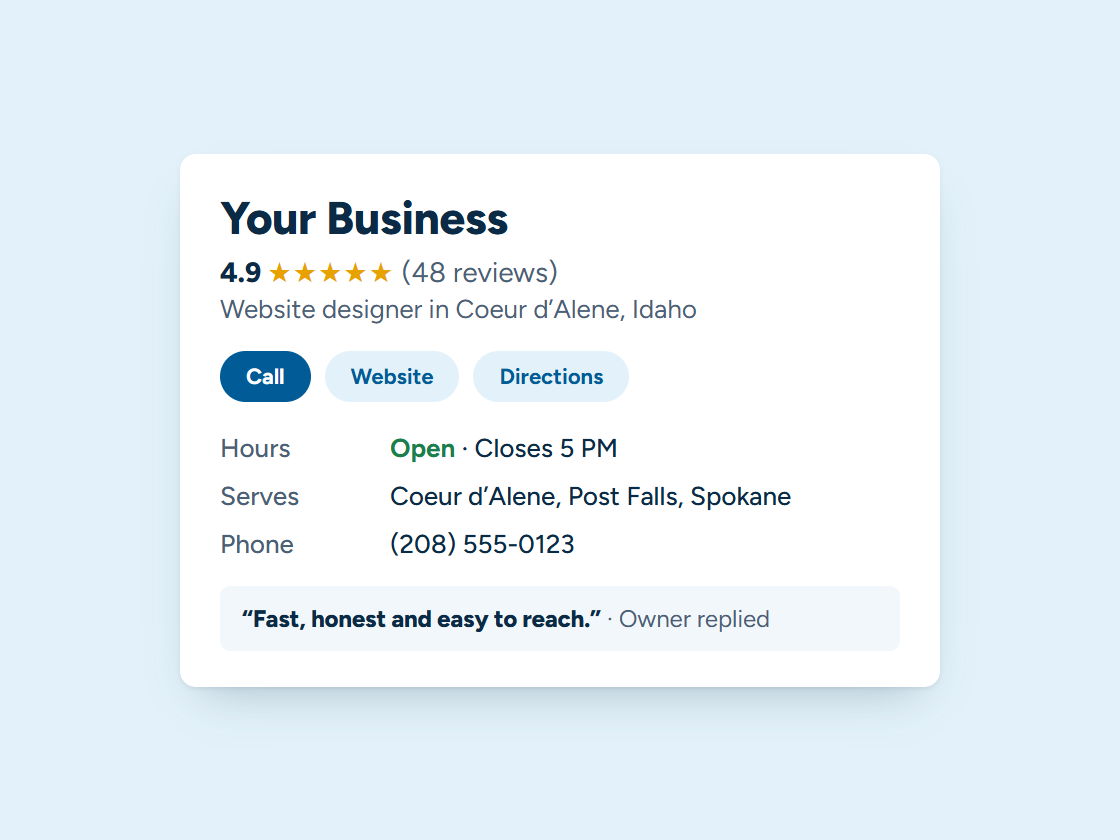
Drivers search “auto repair near me” and call one of the shops on the map. A complete Google Business Profile with your services, makes and hours helps you earn that place. Pick your town and watch the example climb.
Your Business: not in the top 3 (position 9)
- Right main category
- Services listed
- Matching name and phone
- Steady new reviews
- Fast, clear website
- A page for your town
Illustration only. Real rankings depend on distance, relevance and prominence, and no one can promise a position.
Step 2 of 8 · Never miss a lead
Answer the phone while you’re under a car
The voice assistant picks up when the front counter is busy, asks about the car and the problem, books a drop-off and sends you the notes. Missed calls get a text back in seconds.
Example call, shown as captions. Your assistant answers in a natural voice with your services, hours and prices, and transfers to you whenever a caller asks or it should.
Step 3 of 8 · One inbox
Every customer’s messages, one place
Texts, Facebook, Google and website messages land in one inbox, so the person at the counter sees the whole conversation about each car.
Every channel, one inbox. Tap a conversation to answer it.
Example customers and messages. We connect your real channels and set up quick replies in your words.
Step 4 of 8 · Quote and book
Repair approvals by text
Send the estimate by text with the parts and labor listed. The driver approves it from work, and the repair goes straight onto the bay schedule.
- Estimate texted
- Customer opened it
- Signed
- Deposit paid
- Job added to your calendar
- Receipt and reminder sent
Example estimate. We set up your estimates, e-signatures and payments so customers can say yes from their phone.
Step 5 of 8 · Track every repair
“Checked in”, “diagnosed”, “ready for pickup”
Each car moves along a simple board, and each step texts the owner, so the phone rings less with “is it done yet?”
Example jobs and amounts. Tap any card to move it along. We set up your stages and what happens at each one.
Step 6 of 8 · Reviews and referrals
Ask for the review when the car drives right
The day after pickup, the driver gets a text with a link straight to your Google review box. Happy customers can send friends with a referral link.
Example customers and reviews. We set up the request text, the timing and your review link; the reviews are your customers’ own.
- Link shared
- Friend booked
- Job done
- Rewards sent to both
11 jobs from referrals
Example customers. You choose the reward; links are tracked automatically and rewards go out when the friend’s job is done.
Step 7 of 8 · Bring them back
Oil changes, tire swaps and inspections on time
Reminders by mileage or date, a fall note for winter tires and a spring note to swap back, sent on their own.
1 of 6 sent automatically. You did the work; the system did the remembering.
Example messages and timing. We set yours up around how your business actually runs.
- Press Join to see what happens next.
Example plans and prices. We set up your plan, billing and member perks; nothing is charged here.
Step 8 of 8 · See what’s working
Know what fills the bays
A plain report on the 1st: calls, booked repairs, reviews and where each customer came from, so you know which ads and listings pay off.
Example calls. We set up a number for each ad, sign and listing, record where every call came from, and show it in your monthly report.
What we set up
Set up and run for you
- A text back to every missed call
- Online booking for diagnostics and maintenance
- “Checked in”, “diagnosed” and “ready for pickup” texts
- A review request after pickup
- Oil change, tire swap and inspection reminders on schedule
We write the messages with you, connect everything to your phone, calendar and website, and keep it running. You get the leads and a plain report every month. More about how it works.
Tap any piece to see what it does and how it connects. See all our services
An illustration with a made-up business. Real results depend on your market.
Your website
What a website for auto repair needs
- A page for each main service: brakes, diagnostics, maintenance, tires, alignment.
- The makes you specialize in, and any you don’t work on.
- Online booking with a box to describe the problem.
- Hours, drop-off and any shuttle or loaner details.
- Directions that work for someone driving in with a warning light on.
See managed websites for what the plans include.
Through the year
Busy seasons for auto shops in North Idaho
Fall brings tire swaps and pre-winter checks, and the first cold snap brings dead batteries and no-starts. Spring brings the swap back to summer tires and the alignment and suspension work that winter roads leave behind.
Reminders timed to those weeks fill the bays before the rush instead of during it.
Questions
Questions from auto repair
Can it work with my shop software?
Often, yes. We look at what you use and connect what we can; where we can’t, the system still handles calls, texts and reminders on its own.
Will customers get spammed?
No. Each message has a reason: a booking, a status update or a service that’s due. Customers can opt out any time.
Who writes the messages?
We write them with you, in your shop’s voice, and you approve them before anything goes out.
Should I put prices on my auto repair website?
Common jobs with a “starting at” price help, like oil changes or tire swaps. For repairs, explain how you estimate and that no work starts without the customer’s okay.
Can customers book online without overbooking my bays?
Yes, when booking is tied to your calendar and only offers the slots you choose. You decide what can be booked online and what needs a call.
What gets an auto shop more reviews?
Asking right after pickup, while the car is running well, with a direct link. A text the same day works better than a card in the glove box.
Keep exploring
Related
Want this running for your business?
Book a free 15-minute call. We’ll look at how calls and leads reach you today and show you what we’d set up.