
WordPress WordPress web design and development for North Idaho businesses
WordPress web design for North Idaho and Spokane businesses: sites built to load fast and stay secure, then hosted and kept updated on our managed plans, from $297 a month plus a $697 setup. This site runs on WordPress too, so everything we recommend, we’ve done here first.
When it fits
When is WordPress the right choice?
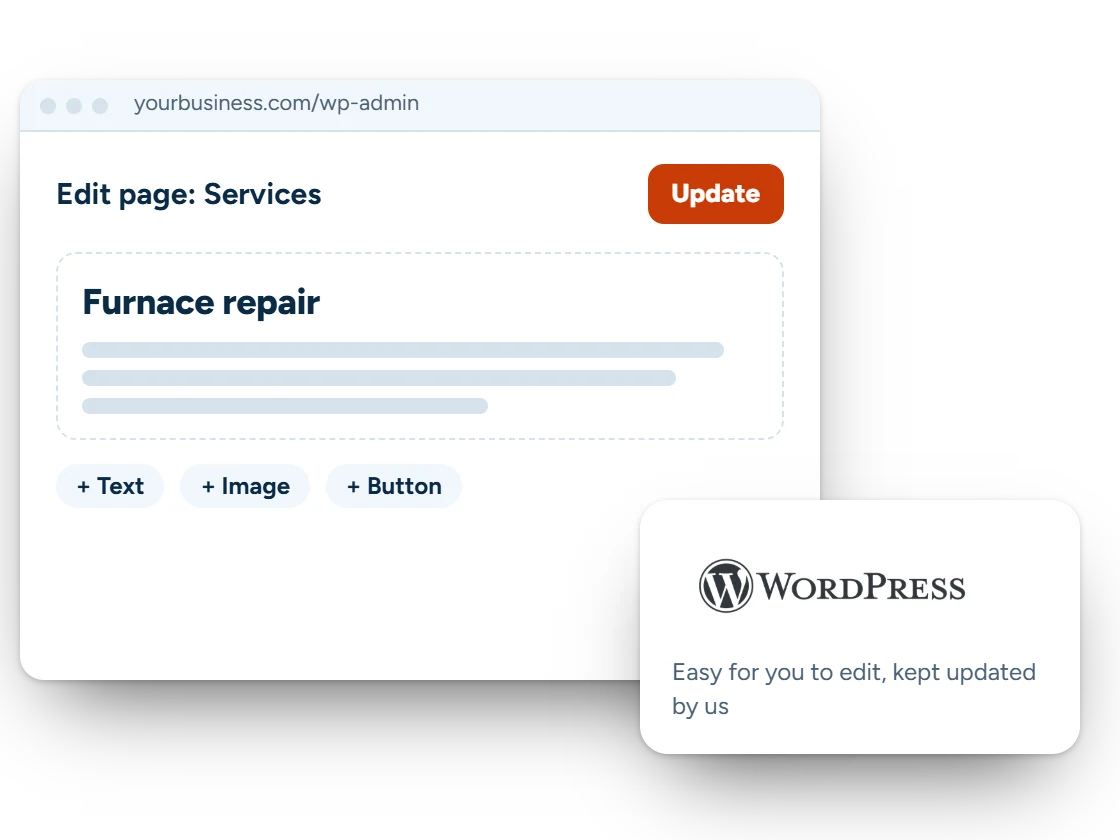
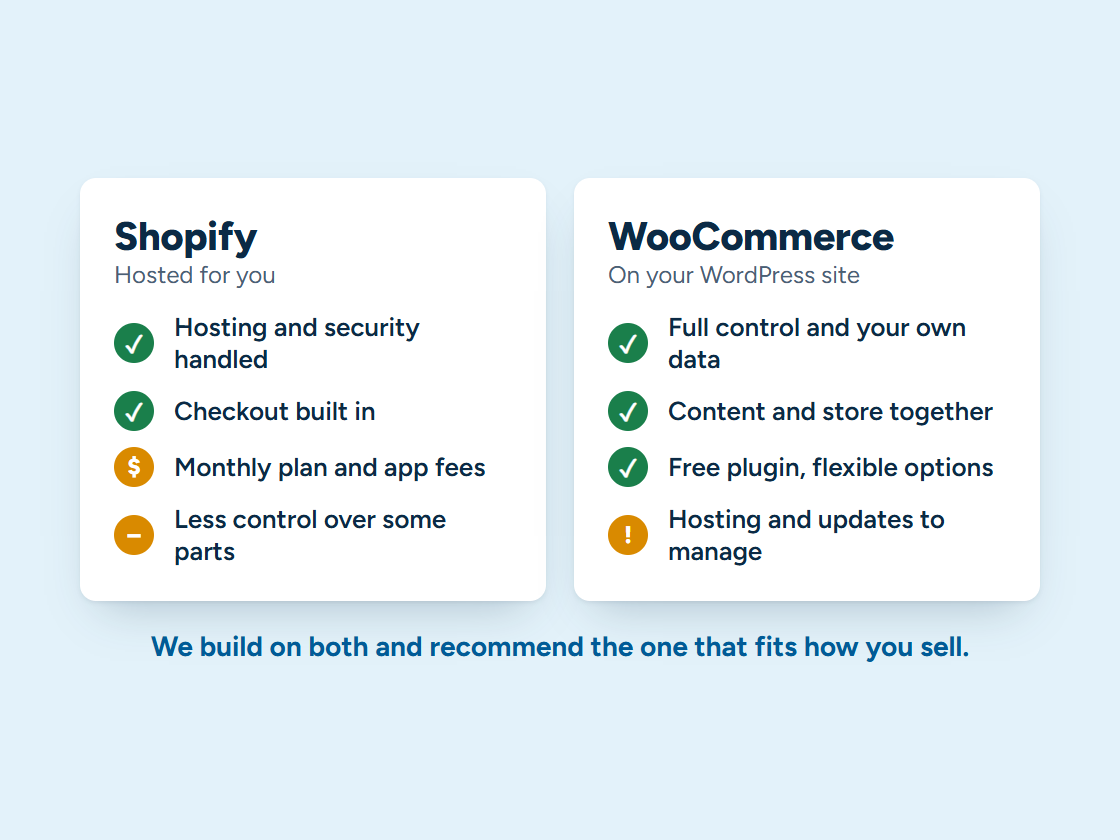
WordPress is the right choice when your website’s main job is to show what you do and bring in calls, when you want to change text and photos yourself, and when you might add a store, booking or a members’ area later. If your business is mostly an online store that should run itself, Shopify is often the better fit.
It’s the wrong choice when nobody will keep it updated. A WordPress site that’s left alone collects outdated plugins, and that’s how most of the hacked sites we’re asked to fix got that way.
Compare
WordPress, Shopify or a website builder?
The three options local businesses ask us about most, side by side.
| Question | WordPress | Shopify | Wix or Squarespace |
|---|---|---|---|
| Best for | Service businesses that want room to grow | Stores selling many products | A simple site you’ll build and run yourself |
| What you pay monthly | Hosting and upkeep (our plans cover both) | A Shopify plan, payment fees and any apps | The builder’s plan |
| Editing | Change text and photos right on the page | Products and pages in Shopify’s admin | A drag-and-drop editor |
| Selling online | With WooCommerce | Built in | Basic stores on higher plans |
| Who keeps it running | You or your developer; on our plans, us | Shopify runs the platform; the theme and apps are yours to manage | The builder runs it |
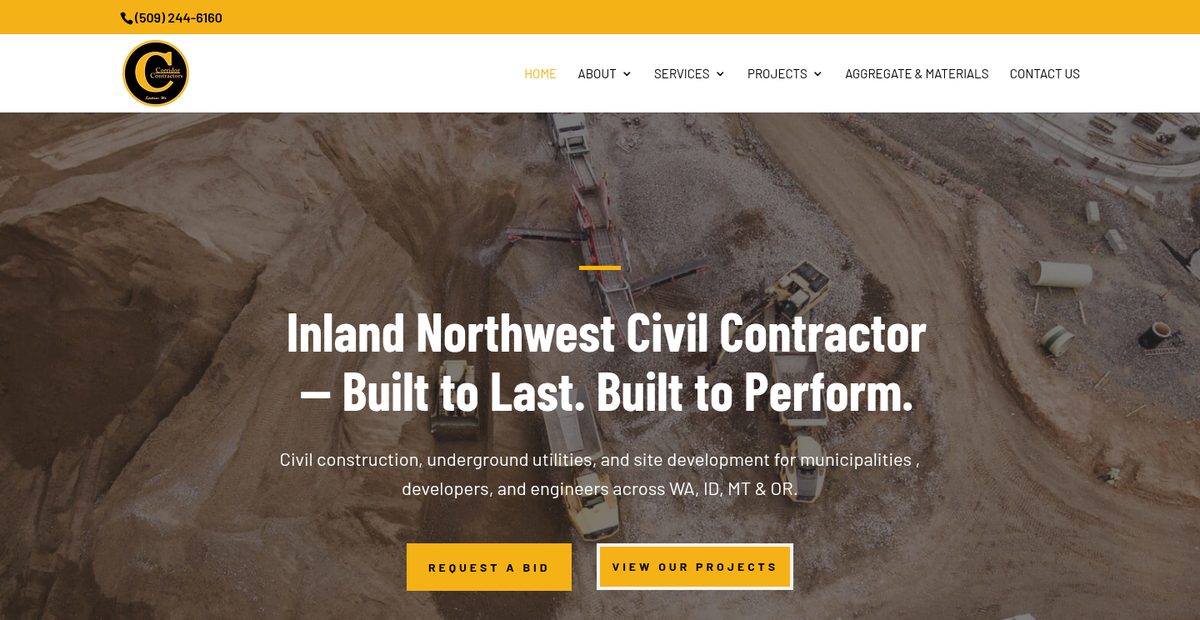
We build on WordPress and Shopify, and we move businesses off builders when they outgrow them. Corridor Contractors was on Wix before we rebuilt their site.
Moving platforms
How do you move from Wix or Squarespace to WordPress?
By rebuilding the pages on WordPress: copying the text and images across, improving them on the way, and pointing your domain at the new site. Wix doesn’t let you export a site to another host, so every page is rebuilt. Squarespace exports some content, mainly pages and blog posts, in a format WordPress can import, but the design still has to be rebuilt.
The part that protects your search traffic is the same either way: every old address redirected to its new page, titles and descriptions carried over, and Google Search Console watched after the switch. We moved Corridor Contractors off Wix onto WordPress; their homepage title now leads with “Civil Contractor Spokane WA.”
What we do with WordPress
WordPress work we take on
New WordPress sites
Designed and built so you can change text and photos yourself after launch.
WooCommerce stores
Online stores on WordPress, with your products, orders and customers in the same site as your pages.
Speed and Core Web Vitals
Image, script and hosting work. We took our own mobile speed score from 44 to 100 with this redesign.
Updates and security
WordPress, theme and plugin updates with a backup first, plus monitoring.
Moves and migrations
Moving a WordPress site to new hosting without downtime. We migrated this site to WP Engine ourselves.
Fixing sites someone else built
Plugin conflicts, broken layouts, lost logins and hacked sites.

Speed and security
What keeps a WordPress site fast and safe
Three things: as few plugins as the site can live with, updates applied with a backup taken first, and hosting built for WordPress. The slow or hacked WordPress sites we see are almost always missing at least one of them.
This site is our own example. When we rebuilt it in 2026 we moved it to WP Engine, removed plugins that loaded code on every page without being used, stopped loading images from someone else’s server, and made each phone download images sized for its screen. Its mobile speed score went from 44 to 100, and Google PageSpeed Insights gives it 100 in every category on phones and on desktop. The full story is on our website audit page.
On a managed plan, that upkeep is our job: updates, backups, security monitoring and fixes. Need a slow site fixed without a plan? That’s our one-time website speed optimization.
Already on WordPress?
How we take over a WordPress site
Step 1
Get access
The WordPress login, the hosting account and the domain. If nobody has them, that’s a rescue, and we start there.
Step 2
Back it up
A full copy of the files and the database before we change anything.
Step 3
Check what’s installed
Every plugin and theme: what’s used, what’s out of date, and what only slows the site down.
Step 4
Tell you what we found
Keep it, fix it or rebuild it, in plain English, with what each one involves.
Questions
WordPress questions
Can I update the site myself?
Yes. You can change text and photos right on the page. On a managed plan, you can also just email us the change.
Who hosts it?
On our managed plans we handle hosting, SSL, backups and updates.
How much does a WordPress website cost?
Our managed plans start at $297 a month plus a one-time setup fee, and cover the site, hosting, security and updates. The website cost calculator shows which plan fits in about a minute.
How long does a WordPress site take to build?
About 2 weeks on Starter, 2 to 3 weeks on Business and 3 to 6 weeks on Professional, counted from when we have your content.
Can you move my Wix site to WordPress?
Yes. Wix doesn’t export to other hosts, so we rebuild the pages on WordPress, move your text and images, and redirect the old addresses so you keep your search traffic. Corridor Contractors made the same move.
Can you take over a WordPress site someone else built?
Usually. We look at it first and tell you honestly whether it’s worth keeping. See website rescue.
Is WordPress secure?
It is when it’s kept updated, backed up and monitored, which is what most hacked sites were missing. That’s included in every managed plan.
Guides
WordPress and website guides
- Squarespace vs. WordPress vs. Wix for a Small Business WebsiteSquarespace, WordPress or Wix? An honest comparison for small business websites: cost, upkeep, SEO, selling online and what happens when you outgrow one.
- Church and Nonprofit Websites: What Matters MostWhat a church or nonprofit website needs for first-time visitors, members and donors, and how to keep it current when volunteers change every year.
- How Much Does a Website Cost in North Idaho? (2026)What a small business website costs in Coeur d’Alene, Spokane and North Idaho in 2026, what changes the price, and what you should get for it.
- 10 SEO-Friendly Web Design Tips Every Local Business NeedsTen practical, SEO-friendly web design tips for local businesses, covering site speed, mobile layout, headings and structure you can act on today.
- What Website Maintenance Includes and What It CostsWhat website maintenance covers each month, what it costs to keep a small business site running, what happens without it, and how to judge a plan.
Keep exploring
Related services
Need a WordPress site, or help with yours?
Tell us what you have and what you want it to do. We’ll recommend the simplest way there.