
Free tool Free Google Business Profile grader
Answer 15 yes or no questions about your Google Business Profile. You get a score out of 100 and a list of fixes, biggest first. About three minutes, no sign-up, and your answers never leave your browser.
Grade your Google Business Profile
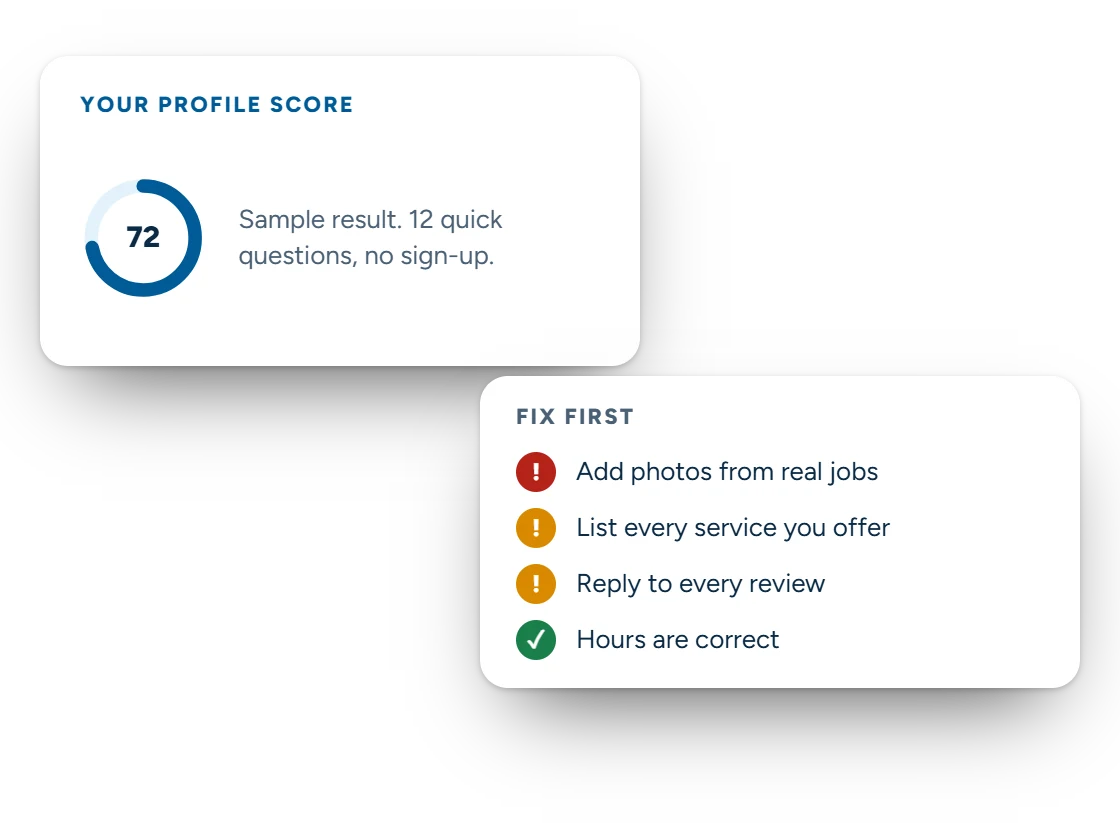
Answer 15 yes or no questions about your profile. You get a score out of 100 and a list of fixes, biggest first.
This is a checklist built from Google's published profile guidelines and common local search practice. It cannot see your live profile or your ranking, and numbers such as 20 reviews are rules of thumb, not Google rules.
Why your profile matters
Google shows your profile before it shows your website
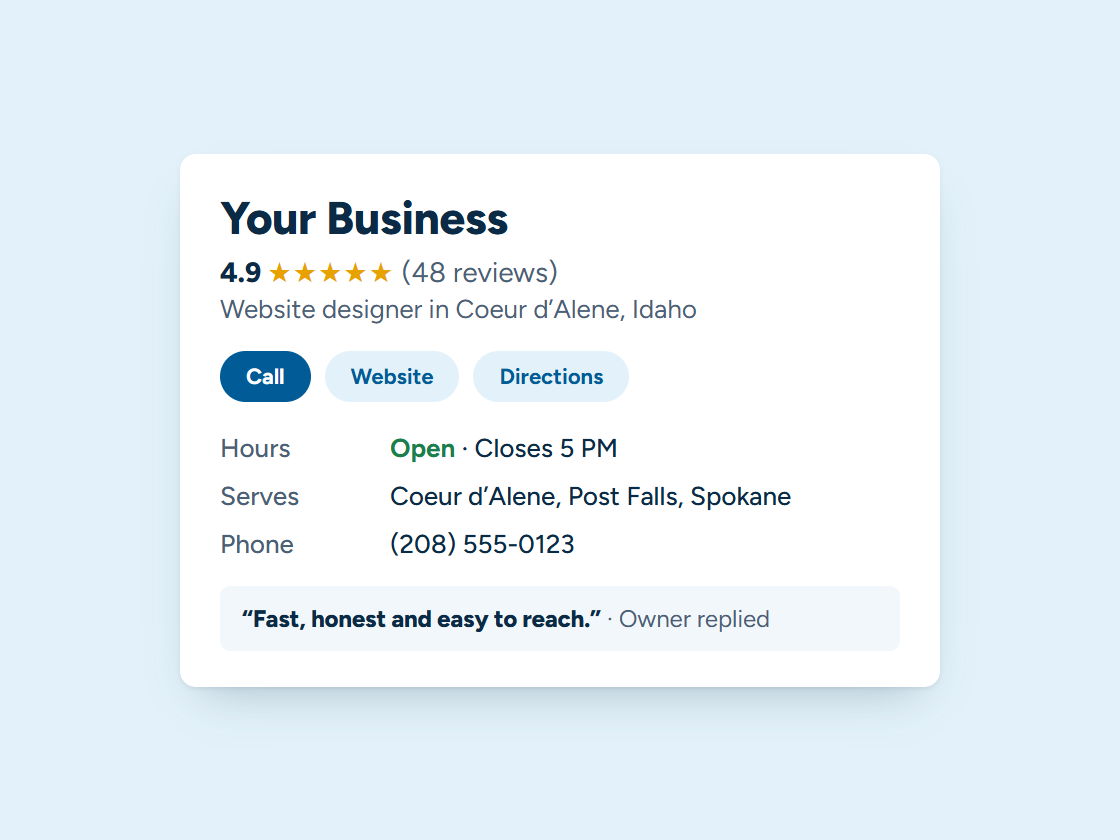
Search “roofer near me” or “web designer Coeur d’Alene” and Google puts a map with three businesses above the regular results. Which three depends on how relevant, how close and how prominent Google judges each one to be.
You can’t move your shop closer to every customer, but relevance and prominence are mostly in your hands: the right categories, a full services list, accurate hours, real photos, recent posts, and steady reviews with replies. That’s what this grader checks.
How to use it
Three steps to a better profile
Step 1
Open your profile
Search your business name on Google while signed in to the account that manages it, so you see what customers see and what you can edit.
Step 2
Answer honestly
Pick Not sure when you need to check. Those items land on your fix list with a reminder to look.
Step 3
Work the list top-down
Fix the high-impact items first, then grade again in a month to see the difference.
Questions
Google Business Profile grader questions
How is the score worked out?
Each of the 15 questions is worth points based on how much it affects whether people find and call you. Being verified and having 20 or more good reviews are worth the most, 10 points each. A Yes earns the points; No and Not sure don’t.
What’s a good score?
85 or higher is a strong profile. 65 to 84 is solid with gaps. 40 to 64 means several basics are missing, and under 40 means the profile is hard to find and hard to trust.
Does the grader see my live profile or my ranking?
No. It’s a checklist built from Google’s published profile guidelines and common local search practice. Nothing is sent anywhere, and the numbers it uses, such as 20 reviews, are rules of thumb rather than Google rules.
Why does it say not to put keywords in my business name?
Google’s guidelines require your real business name. Adding a town or a service to it can get the profile suspended, and reinstatement is slow.
Can you fix my profile for me?
Yes. That’s our Google Business Profile management service: setup and verification, categories, services, photos, posts and review replies.
Keep exploring
Keep going
Want your profile fixed without the homework?
Book a free 15-minute call. Bring your score, and we’ll tell you what we’d fix first.