
Free tool Google search result preview
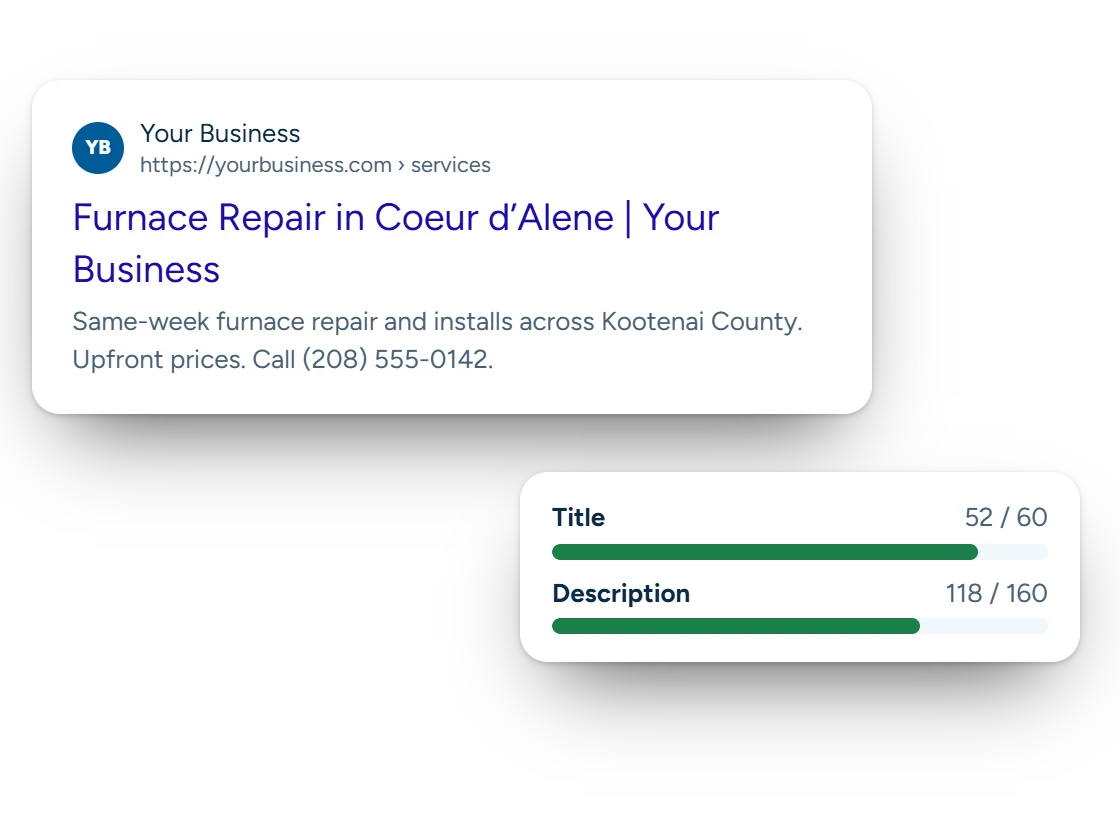
See roughly how your page title and description will look in Google, on a phone and a computer, and where they get cut off. Then fix them before you publish.
Free tool from Carey Enterprises
Google search result preview
Type a page title and description. See roughly how Google shows them on a phone and a computer, and where they get cut off.
On a computer
On a phone
Checks
Widths are measured with the fonts Google uses, so they’re close, but Google sometimes rewrites titles and descriptions to match the search. Write for people first.
Why it matters
Your search result is your first ad, and it’s free
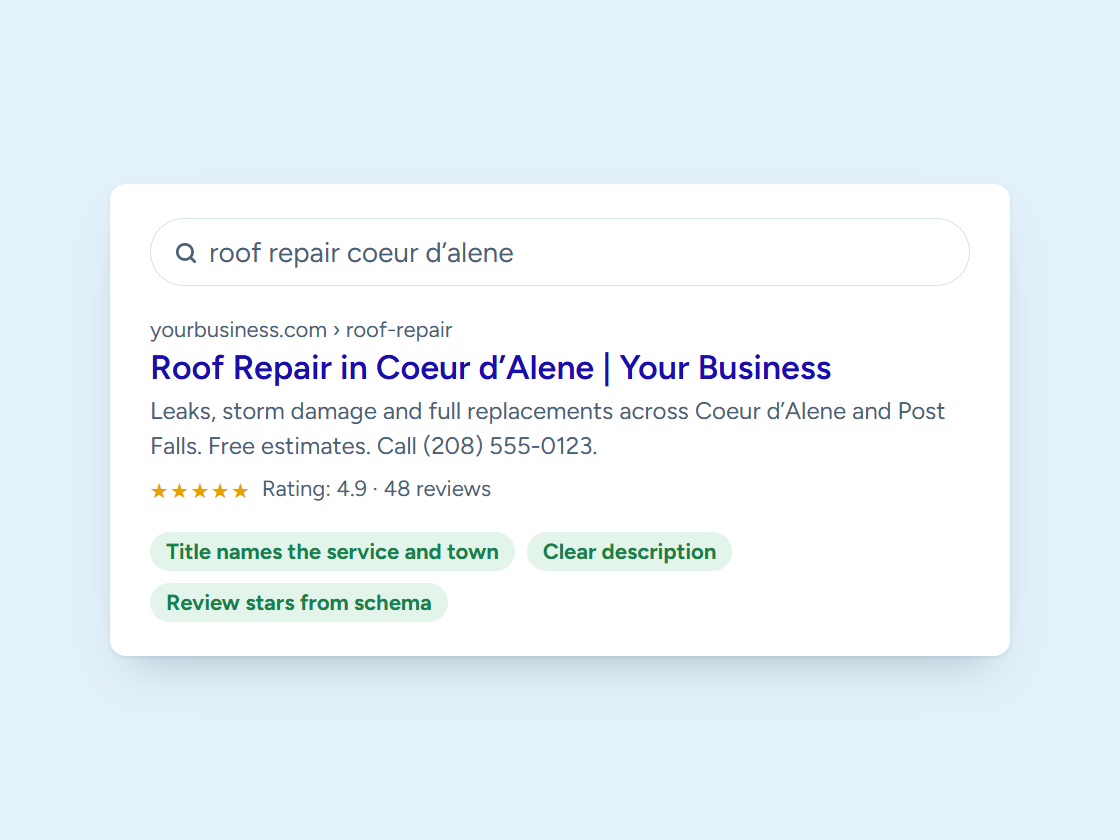
Before anyone sees your website, they see a title and two lines of text in Google. A title that gets cut off before your town, or a description that never says what to do next, loses the click to the business below you.
Google truncates by pixel width, not characters, which is why a title with lots of wide letters gets cut sooner. This tool measures with the fonts Google uses. Put the service and town first, your business name last, and a reason to call in the description.
Questions
Google Search Result Preview questions
How long should a page title be?
Short enough to fit about 600 pixels, usually 50 to 60 characters. Lead with the service and town.
How long should a meta description be?
About 150 to 160 characters fits on most computers; phones show a little less. Put the important part first.
Why does Google show a different title?
Google sometimes rewrites titles and descriptions to match the search. Clear, specific ones get rewritten less.
Want every page’s title fixed?
We rewrite titles and descriptions for every page as part of our SEO work. Book a free call.