
Free tool Google search result preview
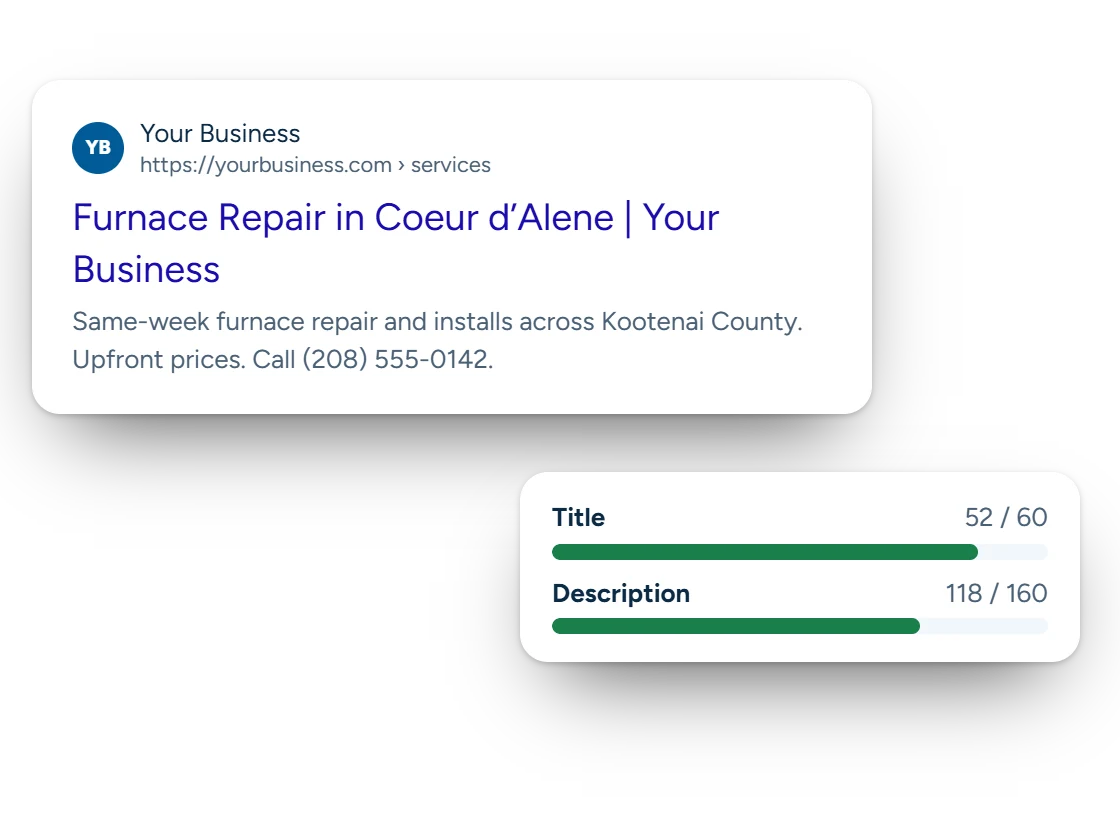
See roughly how your page title and description will look in Google, on a phone and a computer, and where they get cut off. Then fix them before you publish.
Free tool from Carey Enterprises
Google search result preview
Type a page title and description. See roughly how Google shows them on a phone and a computer, and where they get cut off.
On a computer
On a phone
Checks
Widths are measured with the fonts Google uses, so they’re close, but Google sometimes rewrites titles and descriptions to match the search. Write for people first.
Why it matters
Your search result is your first ad, and it’s free
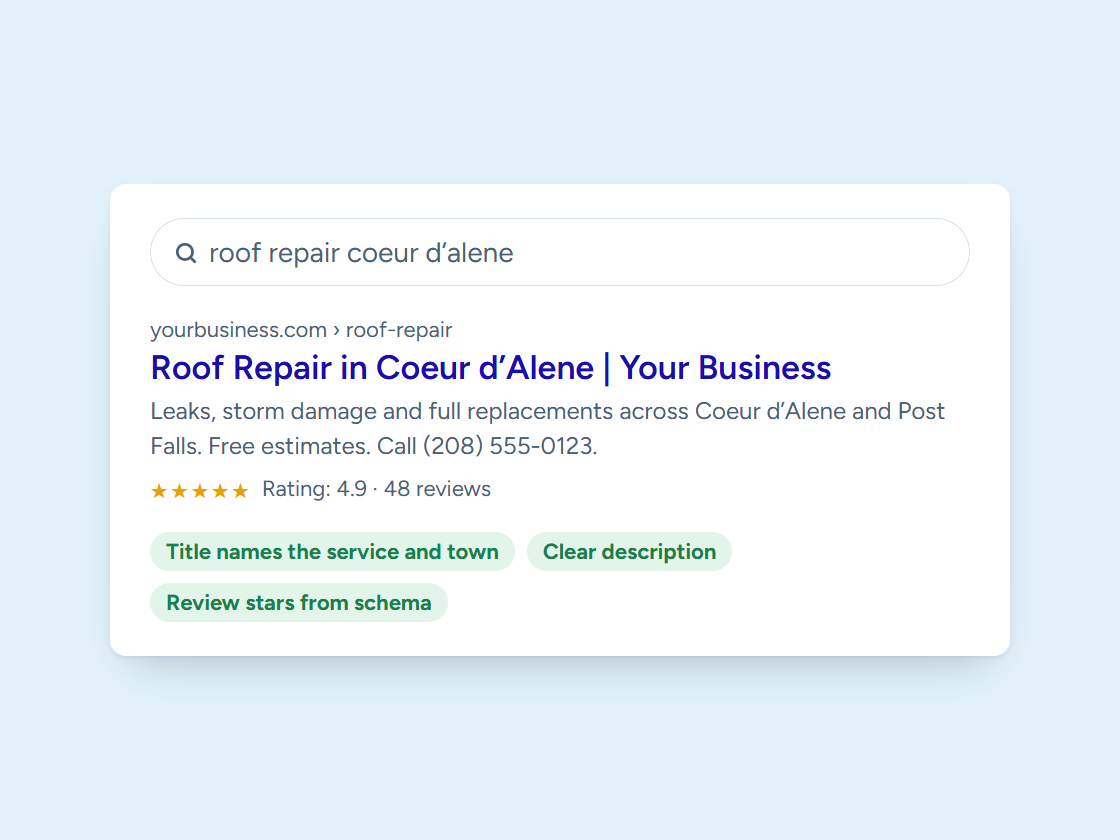
Before anyone sees your website, they see a title and two lines of text in Google. A title that gets cut off before your town, or a description that never says what to do next, loses the click to the business below you.
Google truncates by pixel width, not characters, which is why a title with lots of wide letters gets cut sooner. This tool measures with the fonts Google uses. Put the service and town first, your business name last, and a reason to call in the description.
Your result
How to read the preview
You’ll see your result twice, as it would look on a computer and on a phone, cut off where Google would cut it. Under the previews, the checks tell you what to change, for example:
- The title gets cut off: put the service and town first and your business name last, so the part that’s cut is the part that matters least.
- The description is short or missing: without one, Google picks text from the page, which is rarely your best sentence.
- No next step: a description that says call, book or get a quote gives people a reason to choose you.
Phones show less of the description than computers, so keep the important part in the first sentence.

Next steps
What to do with your result
Step 1
Fix your top pages first
Your homepage and your main service pages bring in most of the searches. Start there.
Step 2
Update it where it lives
Titles and descriptions are set in your SEO plugin or your site builder’s page settings, page by page.
Step 3
Give Google time
Google picks up the change the next time it visits the page, which can take days. Our SEO work covers every page’s title and description.
Questions
Google Search Result Preview questions
How long should a page title be?
Short enough to fit about 600 pixels, usually 50 to 60 characters. Lead with the service and town.
How long should a meta description be?
About 150 to 160 characters fits on most computers; phones show a little less. Put the important part first.
Why does Google show a different title?
Google sometimes rewrites titles and descriptions to match the search. Clear, specific ones get rewritten less.
Should every page have its own title?
Yes. Two pages with the same title compete with each other, and Google has to guess which one to show.
Do titles and descriptions affect rankings?
The title does, as one signal among many. The description mostly affects whether people click, which is why it’s worth writing well.
Want every page’s title fixed?
We rewrite titles and descriptions for every page as part of our SEO work. Book a free call.