
Free tool Local business schema generator
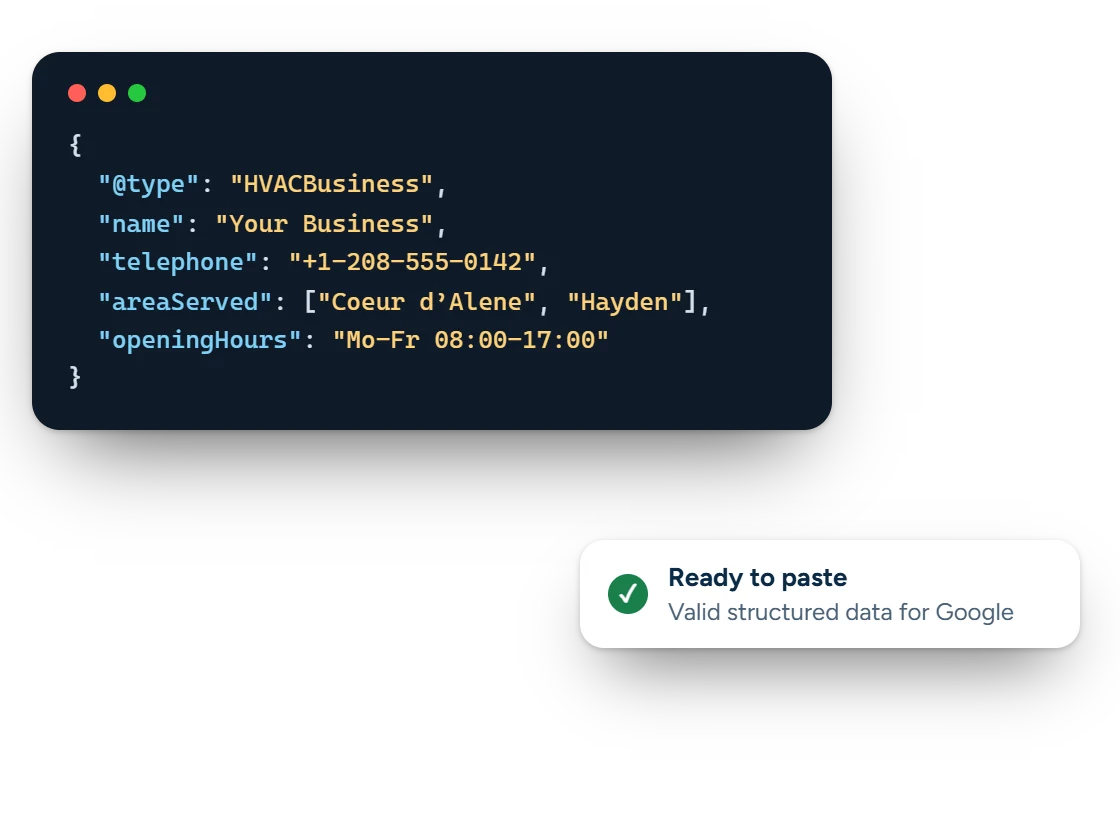
Fill in your business details and get JSON-LD structured data to paste into your website. It tells Google and AI assistants exactly who you are, where you work and when you’re open.
Free tool from Carey Enterprises
Local business schema generator
Fill in what’s true for your business. You get JSON-LD code to paste into your website’s head, the format Google reads for local business details.
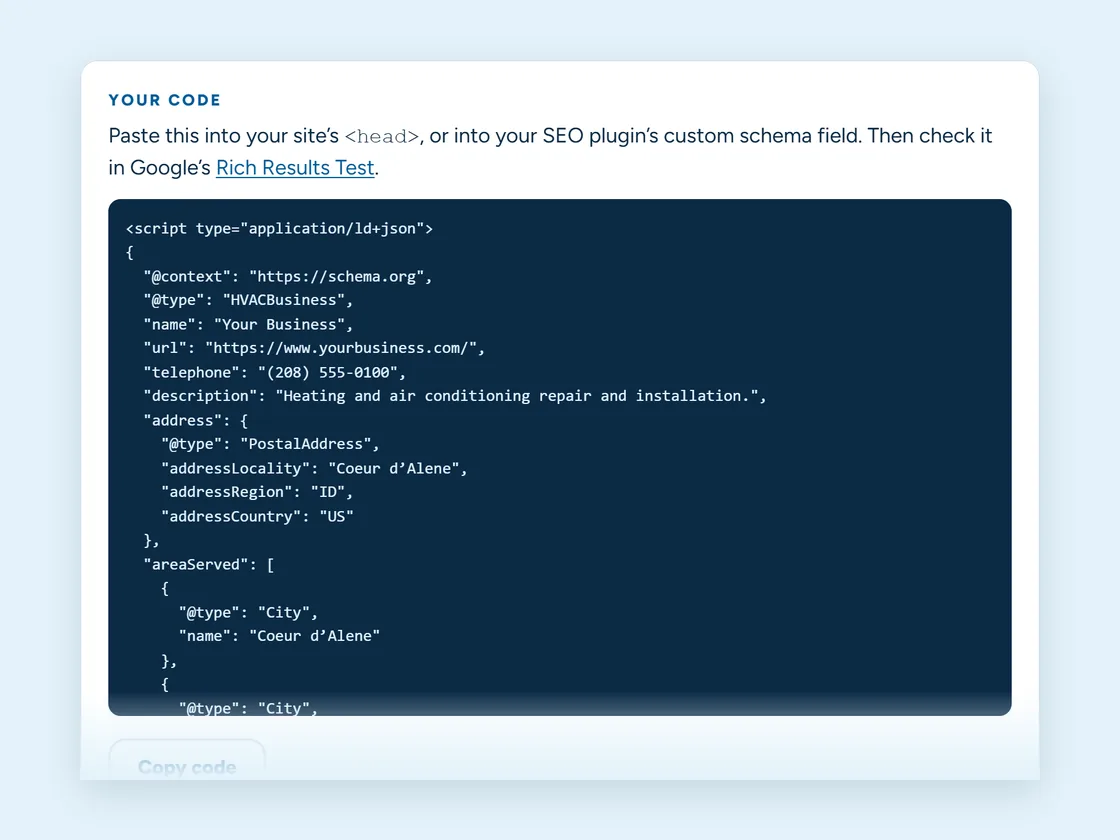
Your code
Paste this into your site’s <head>, or into your SEO plugin’s custom schema field. Then check it in Google’s Rich Results Test.
Only mark up what customers can see on your site and your Google profile; schema has to match the page. Nothing you type here is sent anywhere.
Why it matters
Structured data says plainly what your page only implies
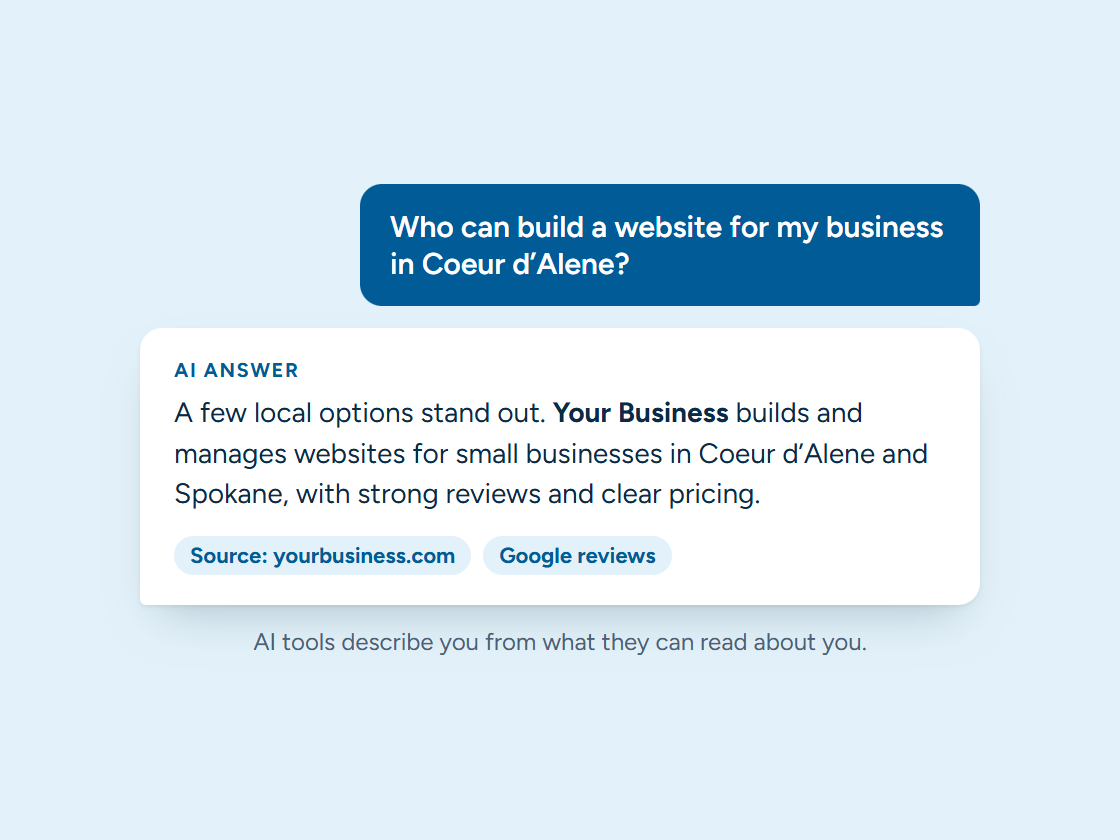
Search engines and AI assistants read your page, but they still have to guess which phone number is yours, which towns you serve and when you’re open. Schema markup states it in a format they read directly, and it should match your Google Business Profile exactly.
It won’t move you up the rankings on its own. It makes your details unambiguous, which matters more as answers come from AI tools. It’s part of our AI search optimization work.
Your result
How to read your code
The box at the bottom is your structured data, ready to copy. Above it, the tool lists anything worth fixing first, such as a missing website address, phone number or image, or hours it couldn’t read.
- Match your Google Business Profile exactly: the same name, phone number and hours, written the same way.
- If you travel to customers, leave out the street address and list the towns you serve, the way your profile does.
- Paste it once. If your SEO plugin already adds business schema, edit that instead, or Google sees two conflicting businesses.
Next steps
What to do with your result
Step 1
Add it to your site
In your site’s head section, your SEO plugin’s schema field, or your site builder’s header code setting.
Step 2
Test it
Paste your page address into Google’s Rich Results Test and fix anything it flags.
Step 3
Keep it current
When your hours or phone number change, update the schema the same day as your Google profile. Our search result preview helps with the title and description too.
Questions
Local Business Schema Generator questions
Where do I put the code?
In your site’s head section, or in your SEO plugin’s custom schema field. On most site builders it goes in a “header code” setting.
Should I hide my address?
If customers don’t come to you, yes: leave the street out and list the towns you serve, matching your Google Business Profile.
Will schema get me rich results?
Not guaranteed. Google decides when to show them. Correct markup makes you eligible and removes guesswork about your details.
Is anything I type sent to you?
No. The code is built in your browser and nothing is stored.
How do I test my schema?
Paste your page address into Google’s Rich Results Test or the Schema Markup Validator. Both are free and show any errors in plain terms.
What type of business should I pick?
The most specific one that fits, such as Plumber or HVACBusiness rather than LocalBusiness. The specific type tells search engines more.
Rather have it done for you?
We add structured data, fix titles and get your local details consistent as part of local SEO. Book a free call.