
Where leads slip away
Where real estate lose customers
Slow first replies
Leads from your website and listings go cold fast while you’re at a showing.
Long-term leads forgotten
Someone “just looking” today may buy in a year. Without steady follow-up, they buy with someone else.
Past clients drifting away
Home anniversaries and market updates keep you in mind for the next move and the referral.
Before they call
What buyers and sellers check before choosing you
Your website and Google profile should answer these before anyone has to call:
- That you know the towns and neighborhoods they’re looking at.
- Your recent sales and current listings.
- How you’d market their home.
- How quickly you answer.
- Reviews from people in a situation like theirs.
How it works for real estate
One system, from the first search to the next visit
Follow one client through it. Each step below has a live example you can try; tap play on any of them.
Step 1 of 7 · Get found
Show up when people search the towns you know
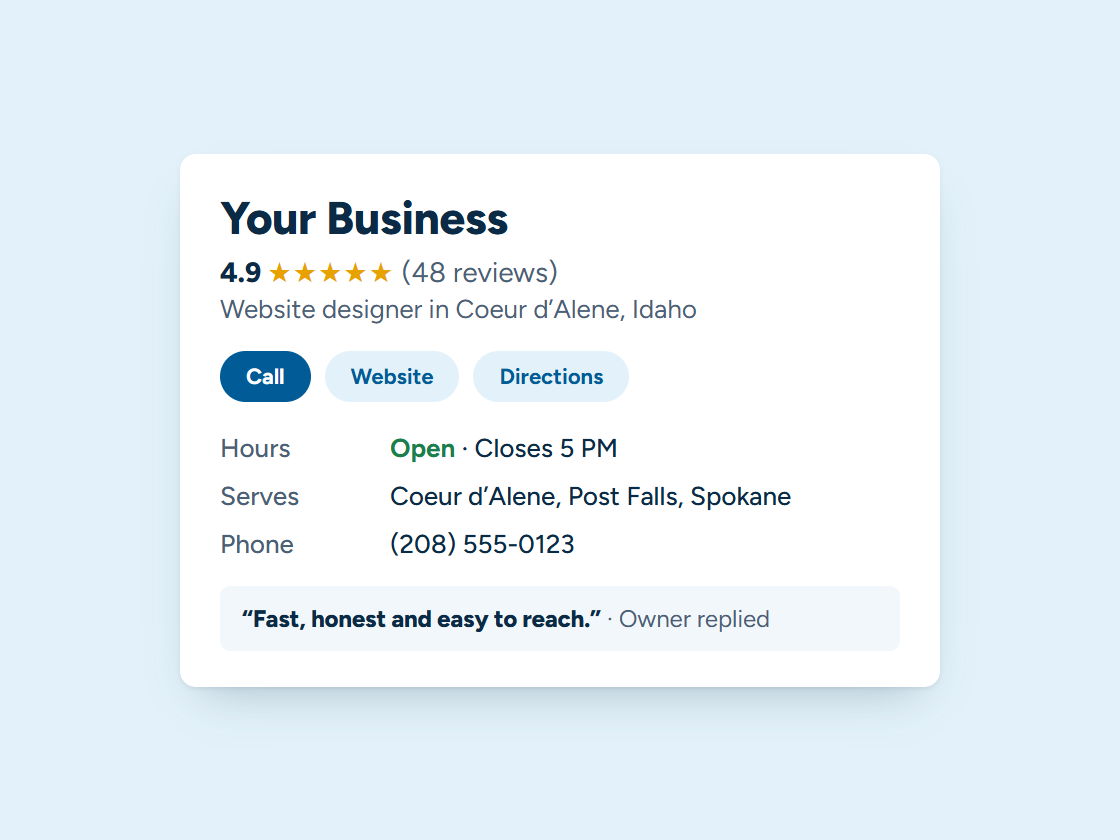
Buyers and sellers search “realtor” plus the town. Your Google Business Profile, reviews and town pages help you earn a place on the map. Pick your town and watch the example climb.
Your Business: not in the top 3 (position 9)
- Right main category
- Services listed
- Matching name and phone
- Steady new reviews
- Fast, clear website
- A page for your town
Illustration only. Real rankings depend on distance, relevance and prominence, and no one can promise a position.
Step 2 of 7 · Qualify every lead
Know who’s ready to move
A few quick questions sort buyers from sellers and ready-now from just-looking, and route each one to the right next step.
- Answers show up here as they come in.
Example quiz. We write your questions, decide where each answer goes, and connect it to your follow-up.
Step 3 of 7 · One inbox
Every buyer and seller, one place
Texts, emails, Facebook, portal lead emails and website messages land in one inbox, so you answer each one fast from your phone.
Every channel, one inbox. Tap a conversation to answer it.
Example customers and messages. We connect your real channels and set up quick replies in your words.
Step 4 of 7 · Showings
Fewer missed showings
Showing confirmations and reminders go out on their own. Clients confirm with one reply or reschedule themselves.
Example appointments and replies. We set the timing and wording; customers can confirm, reschedule or cancel by text.
Step 5 of 7 · Track every deal
Know where every deal stands
Buyers and sellers move from first contact to closing on one board, with the follow-up at each step sent for you.
Example jobs and amounts. Tap any card to move it along. We set up your stages and what happens at each one.
Step 6 of 7 · Reviews and referrals
Every closing can turn into a review and a referral
After closing, clients get a thank-you with a link to your Google review box and a simple way to send friends your way.
Example customers and reviews. We set up the request text, the timing and your review link; the reviews are your customers’ own.
- Link shared
- Friend booked
- Job done
- Rewards sent to both
11 jobs from referrals
Example customers. You choose the reward; links are tracked automatically and rewards go out when the friend’s job is done.
Step 7 of 7 · Stay in touch
Be the agent they call next time
Home anniversaries, market updates and a friendly check-in keep past clients close for the next move.
1 of 6 sent automatically. You did the work; the system did the remembering.
Example messages and timing. We set yours up around how your business actually runs.
Example customers and replies. We send only to customers who agreed to hear from you, and every text has an easy opt-out.
What we set up
Set up and run for you
- An instant reply to every lead, with a link to book a showing
- Showing confirmations and reminders
- Closing-day and move-in messages
- A review request after closing
- Home anniversary notes and market updates for past clients
We write the messages with you, connect everything to your phone, calendar and website, and keep it running. You get the leads and a plain report every month. More about how it works.
Tap any piece to see what it does and how it connects. See all our services
An illustration with a made-up business. Real results depend on your market.
Your website
What a website for real estate needs
- Town and neighborhood pages written from experience.
- Your recent sales and listings, with your role in each.
- A home value request for sellers.
- How you work with buyers, including first-time buyers and people moving from out of state.
- A fast reply to every inquiry.
See managed websites for what the plans include.
Through the year
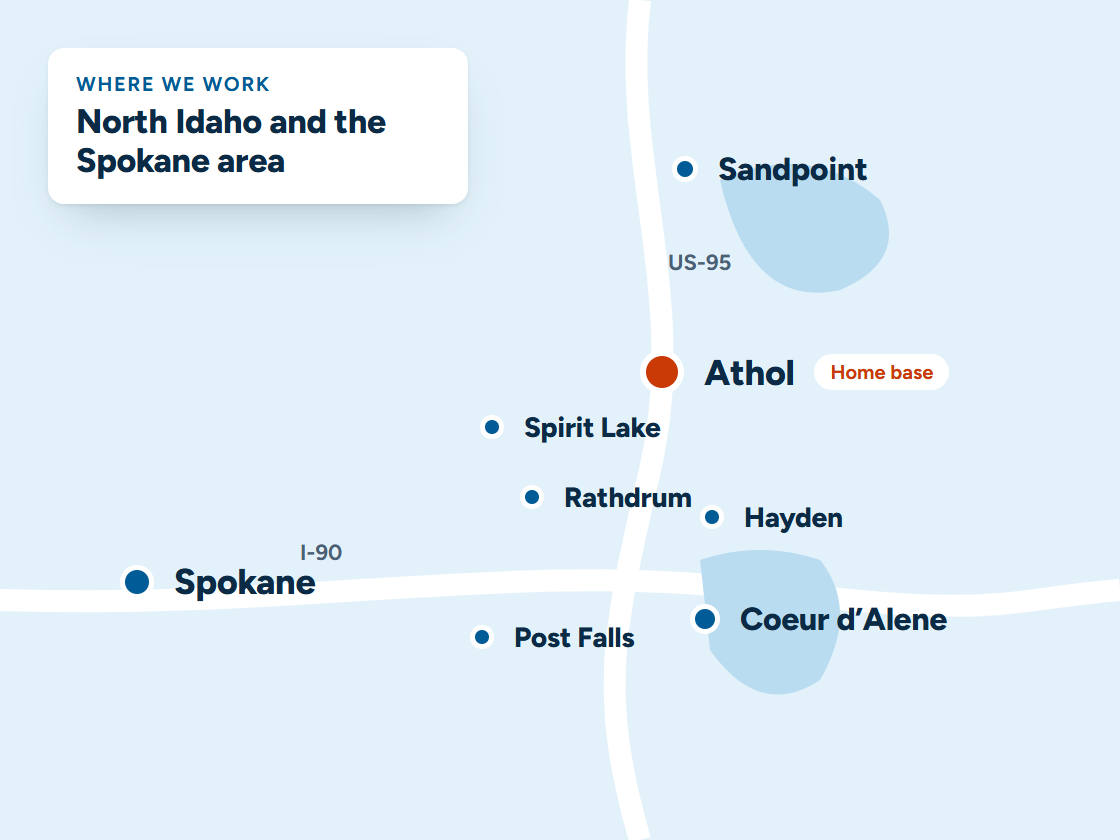
Busy seasons for real estate in North Idaho
Spring and summer are the busiest months to list and buy, and many people moving here from out of state start searching in winter, from wherever they live now.
Town pages and a quick answer to every inquiry reach them early, before they’ve picked an agent.
Questions
Questions from real estate
Will it work with my brokerage’s tools?
Often, yes. We look at what you use and connect what we can.
Can it follow up with long-term leads?
Yes, with spaced-out, personal messages that keep going until they’re ready or opt out.
Do you build agent websites?
Yes, with your listings, neighborhoods and a clear way to reach you.
Do I need listings search on my website?
It helps buyers search from your site instead of a portal. We connect the listings service you use.
What helps a real estate website rank locally?
Pages about the towns and neighborhoods you know, written from experience: what it’s like to live there, commutes, and the questions buyers ask you.
How fast should I reply to online inquiries?
As fast as you can. People often contact several agents, and the first to answer usually gets the conversation. An instant automatic reply buys you time.
Keep exploring
Related
Want this running for your business?
Book a free 15-minute call. We’ll look at how calls and leads reach you today and show you what we’d set up.