
Where leads slip away
Where florists lose customers
Holiday rush calls
Mother’s Day and Valentine’s Day orders come in faster than anyone can answer. Missed calls become another shop’s orders.
“Did they get them?” calls
A delivery text with a photo answers the question before it’s asked.
Occasions that come back every year
Anniversaries and birthdays repeat. A reminder a week ahead is a gift to your customer and an order for you.
Before they call
What customers check before choosing you
Your website and Google profile should answer these before anyone has to call:
- Whether you can deliver today, and the cutoff time.
- Where you deliver.
- Prices, with photos of real arrangements.
- Arrangements for their occasion: birthday, sympathy, anniversary.
- Weddings and events.
How it works for florists
One system, from the first search to the next visit
Follow one customer through it. Each step below has a live example you can try; tap play on any of them.
Step 1 of 7 · Get found
Show up when someone needs flowers today
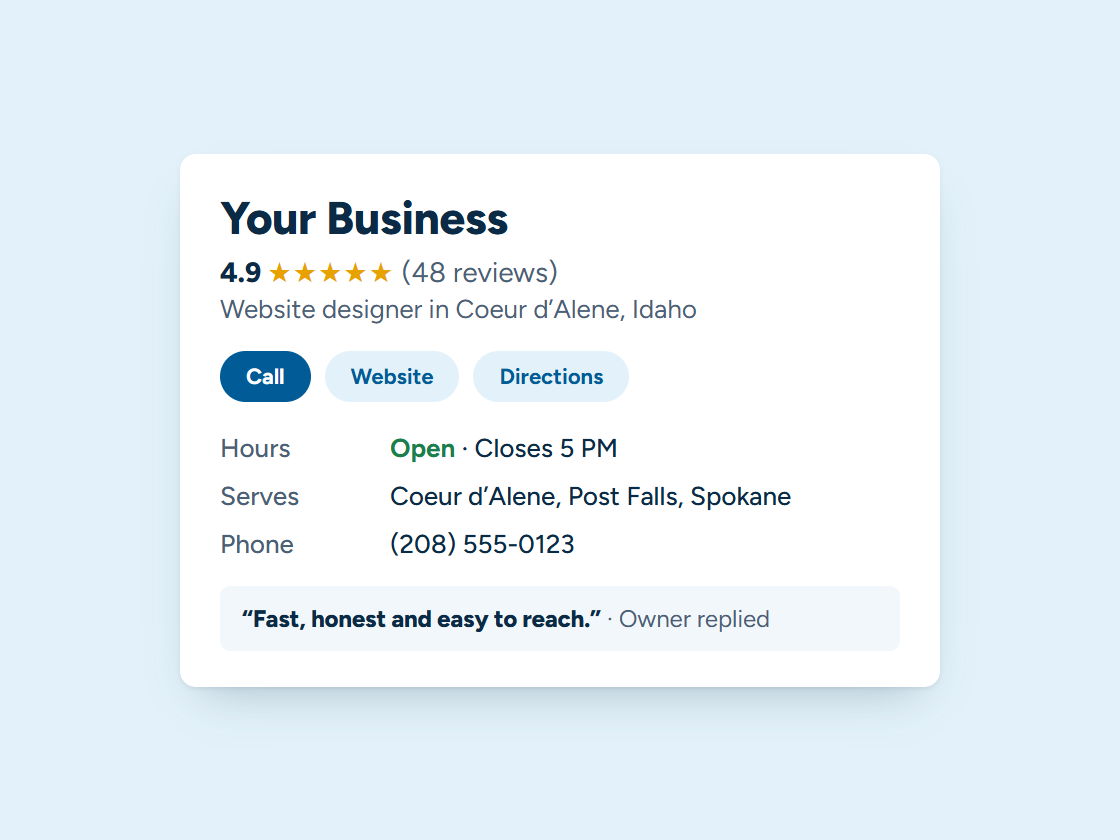
People search “florist near me” and order from a shop on the map. Your delivery area, cutoff and photos on your Google Business Profile help you earn a place there. Pick your town and watch the example climb.
Your Business: not in the top 3 (position 9)
- Right main category
- Services listed
- Matching name and phone
- Steady new reviews
- Fast, clear website
- A page for your town
Illustration only. Real rankings depend on distance, relevance and prominence, and no one can promise a position.
Step 2 of 7 · Never miss a lead
Answer “can you deliver today?” while you design
The assistant answers delivery, cutoff and price questions on the website and by text, takes the order details and texts back missed calls.
Example answers. Yours is set up with your real services, hours and prices, and hands the conversation to you whenever it should.
Step 3 of 7 · One inbox
Orders, wedding questions and messages, one place
Website, Facebook, Instagram and text messages land in one inbox, so wedding inquiries don’t get buried under holiday orders.
Every channel, one inbox. Tap a conversation to answer it.
Example customers and messages. We connect your real channels and set up quick replies in your words.
Step 4 of 7 · Quote and book
Wedding quotes they can approve from their phone
Send the wedding or event estimate by text. They approve it, sign it and pay the deposit in a minute.
- Estimate texted
- Customer opened it
- Signed
- Deposit paid
- Job added to your calendar
- Receipt and reminder sent
Example estimate. We set up your estimates, e-signatures and payments so customers can say yes from their phone.
Step 5 of 7 · Track every order
Every wedding and event on one board
Weddings and events move from inquiry to consultation to deposit to delivery day, with the reminders and confirmations sent for you.
Example jobs and amounts. Tap any card to move it along. We set up your stages and what happens at each one.
Step 6 of 7 · Reviews
Ask after the flowers arrive
After delivery, the sender gets a text with a link straight to your Google review box.
Example customers and reviews. We set up the request text, the timing and your review link; the reviews are your customers’ own.
Step 7 of 7 · Bring them back
Never miss an occasion
Anniversary and birthday reminders a week ahead, holiday pre-orders and a monthly bouquet plan, all sent on their own.
1 of 6 sent automatically. You did the work; the system did the remembering.
Example messages and timing. We set yours up around how your business actually runs.
- Press Join to see what happens next.
Example plans and prices. We set up your plan, billing and member perks; nothing is charged here.
What we set up
Set up and run for you
- A text back to every missed call, with a link to order
- Order confirmations and delivery updates
- A review request after delivery
- Occasion reminders a week ahead
- Holiday pre-order announcements
We write the messages with you, connect everything to your phone, calendar and website, and keep it running. You get the leads and a plain report every month. More about how it works.
Tap any piece to see what it does and how it connects. See all our services
An illustration with a made-up business. Real results depend on your market.
Your website
What a website for florists needs
- The same-day cutoff and delivery area on the home page.
- Shopping by occasion.
- Photos of your own arrangements, with prices.
- Wedding and event consultations with an inquiry form.
- Sympathy flowers easy to find, with delivery to local funeral homes.
See managed websites for what the plans include.
Through the year
Busy seasons for florists in North Idaho
Valentine’s Day and Mother’s Day are the big weeks, wedding season runs through the summer, and the holidays close out the year.
Ordering on your own site and reminders to last year’s customers before each holiday spread the orders out instead of packing them into the last day.
Questions
Questions from florists
Can it remind customers about anniversaries?
Yes, when customers tell you the date and agree to a reminder.
Does it work with online ordering?
Yes. We can connect it to your online shop or build one for you.
What about wedding inquiries?
They get an instant reply and a link to book a consultation.
Should a florist sell online on their own website?
Yes, if you can. Orders placed on your own site come straight to you, and the customer is yours for next time.
What matters most on a florist’s home page?
Whether you can deliver today, and the cutoff time. It’s the first thing most people want to know.
How do we get ready for Valentine’s Day and Mother’s Day?
Open pre-orders early, send reminders to last year’s customers, and make sure the site holds up to the rush on a phone.
Keep exploring
Related
Want this running for your business?
Book a free 15-minute call. We’ll look at how calls and leads reach you today and show you what we’d set up.