
Where leads slip away
Where restaurants lose customers
Calls during service
Party bookings and catering questions come in at 6:30 on a Friday. If nobody answers, they book somewhere else.
No-shows
An empty table for six on a Saturday hurts. A reminder the day of gives guests an easy way to confirm or cancel.
Guests you never see again
A great first visit doesn’t guarantee a second. A note about the new menu or a birthday treat does a lot.
Before they call
What diners check before choosing you
Your website and Google profile should answer these before anyone has to call:
- The menu, with prices.
- Whether you’re open right now, holidays included.
- Reservations, or how long the wait usually is.
- Photos of the food and the room.
- Parking, kids, the patio, and whether you do takeout.
How it works for restaurants
One system, from the first search to the next visit
Follow one guest through it. Each step below has a live example you can try; tap play on any of them.
Step 1 of 8 · Get found
Show up when hungry people search nearby
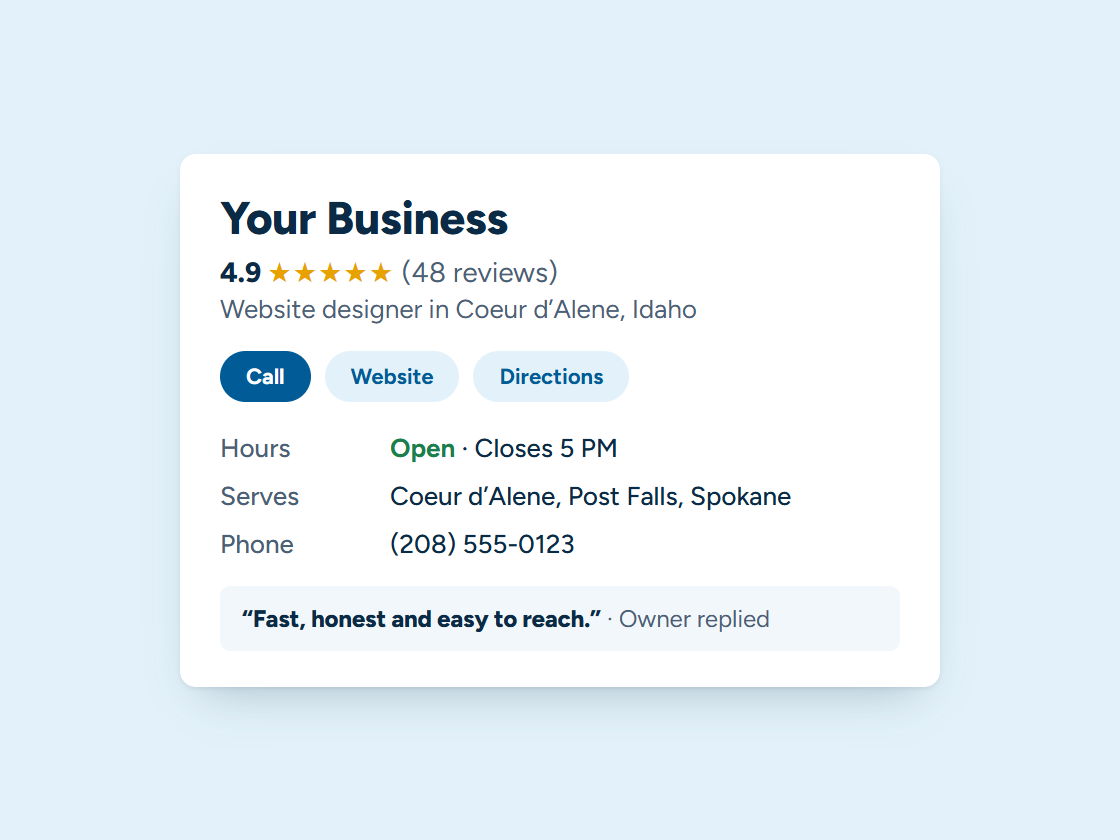
Visitors and locals pick from the restaurants Google shows on the map, often from the car. Current hours, menu and photos on your Google Business Profile help you earn a place there. Pick your town and watch the example climb.
Your Business: not in the top 3 (position 9)
- Right main category
- Services listed
- Matching name and phone
- Steady new reviews
- Fast, clear website
- A page for your town
Illustration only. Real rankings depend on distance, relevance and prominence, and no one can promise a position.
Step 2 of 8 · Never miss a lead
Answer the phone in the dinner rush
During service nobody can stop for “are you open?” calls. The voice assistant answers hours, menu and wait questions, takes reservation requests and texts back missed calls.
Example call, shown as captions. Your assistant answers in a natural voice with your services, hours and prices, and transfers to you whenever a caller asks or it should.
Step 3 of 8 · One inbox
Party questions and messages, one place
Facebook, Instagram, Google and website messages about parties, catering and gift cards land in one inbox, so the manager answers them all from one phone.
Every channel, one inbox. Tap a conversation to answer it.
Example customers and messages. We connect your real channels and set up quick replies in your words.
Step 4 of 8 · Reservations
Fewer empty tables
Confirmations and reminders go out on their own. Guests confirm with one reply or move their own reservation, so tables don’t sit empty.
Example appointments and replies. We set the timing and wording; customers can confirm, reschedule or cancel by text.
Step 5 of 8 · Parties and catering
Every party and catering order on one board
Private parties and catering move from inquiry to deposit to the big night, and each step sends the right message on its own.
Example jobs and amounts. Tap any card to move it along. We set up your stages and what happens at each one.
Step 6 of 8 · Reviews
Every great meal can turn into a review
The day after a visit, guests get a friendly thank-you with a link straight to your Google review box.
Example customers and reviews. We set up the request text, the timing and your review link; the reviews are your customers’ own.
Step 7 of 8 · Bring them back
Fill the slow nights
Birthday treats, new-menu news and “we miss you” notes go to guests who asked to hear from you.
1 of 6 sent automatically. You did the work; the system did the remembering.
Example messages and timing. We set yours up around how your business actually runs.
Example audience and results. We design your emails in your brand, send only to customers who opted in, and handle unsubscribes automatically.
Step 8 of 8 · See what’s working
Know what fills the tables
A plain report on the 1st: reservations, party inquiries, reviews and which posts and listings brought people in.
Example numbers. Yours arrive on the 1st of every month, pulled from your real calls, forms, bookings and reviews.
What we set up
Set up and run for you
- A text back to every missed call, with a booking link
- Reservation confirmations and day-of reminders
- A review request the next day
- Birthday and “we miss you” messages for past guests
- Event and holiday announcements, scheduled ahead
We write the messages with you, connect everything to your phone, calendar and website, and keep it running. You get the leads and a plain report every month. More about how it works.
Tap any piece to see what it does and how it connects. See all our services
An illustration with a made-up business. Real results depend on your market.
Your website
What a website for restaurants needs
- The menu as real text on the page, not a PDF or a photo, so phones and Google can read it.
- Hours that match your Google Business Profile, including holiday and seasonal hours.
- Reservations or online ordering one tap from the home page.
- Photos of your own dishes and dining room.
- Private events and catering, with a short inquiry form.
See managed websites for what the plans include.
Through the year
Busy seasons for restaurants in North Idaho
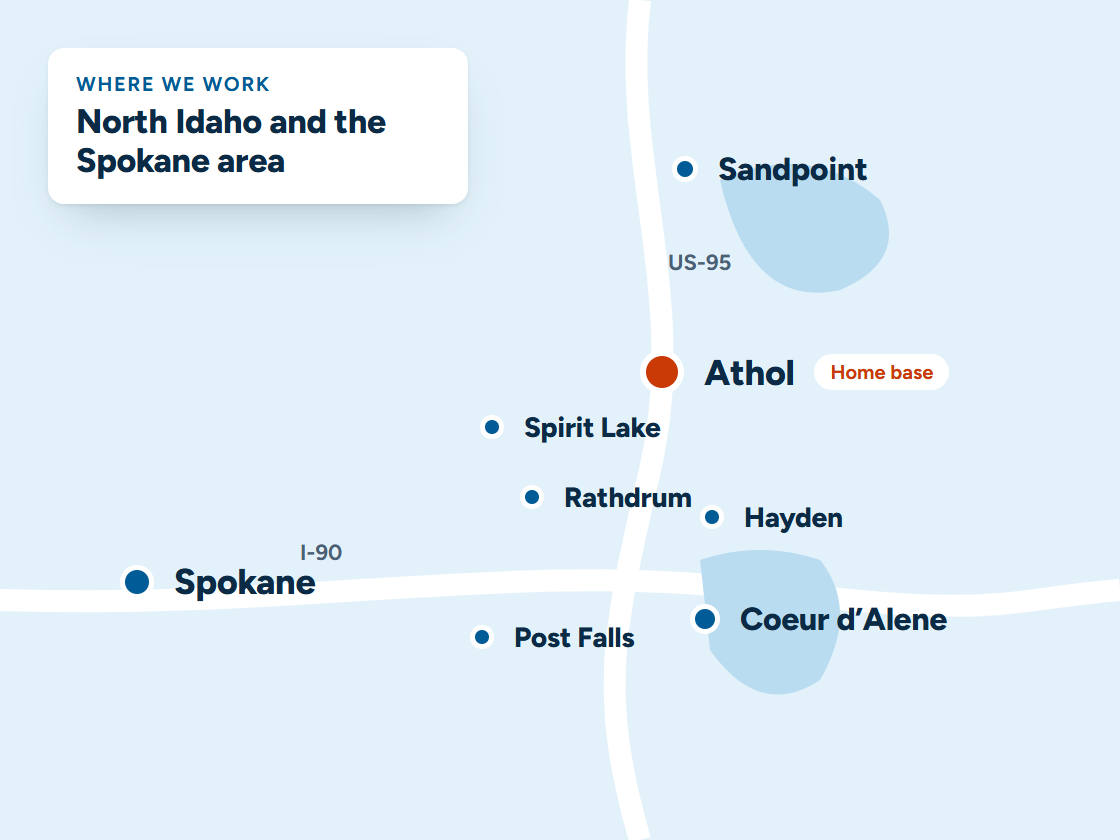
Lake towns here swing with the seasons. Summer brings visitors searching “restaurants near me” on a phone, and winter belongs to regulars and locals.
Seasonal hours and menus need changing the same day on your website and your Google Business Profile, or visitors drive to a closed door.
Questions
Questions from restaurants
We already use a reservation app. Does this replace it?
Not necessarily. We can work alongside it and handle what it doesn’t: missed calls, follow-up and bringing guests back.
Can we send specials to past guests?
Yes, to guests who agreed to hear from you, with a clear way to opt out.
Do you build restaurant websites too?
Yes. Menus, hours, online ordering links and reservations, fast on a phone.
Is a PDF menu okay?
It works, but it’s hard to read on a phone and Google reads it less well than a menu written on the page. Put the menu on the page, and keep a PDF for printing if you like.
Do I need online ordering on my own website?
If you do takeout, it helps: orders placed on your site come straight to you, and the customer is yours for next time. We connect the ordering system you choose.
How do I keep my hours right everywhere?
Change them on your website and your Google Business Profile on the same day, holidays included. On a managed plan, email us and we update the site.
Keep exploring
Related
Want this running for your business?
Book a free 15-minute call. We’ll look at how calls and leads reach you today and show you what we’d set up.